The Agency Overview is a book-of-business visibility dashboard within Momentum AMS. It allows you to view your agency’s current book from multiple perspectives.
It is not a financial report and not an accounting tool. Instead, it answers one core question:
“How do we want to slice the book?”
What the Agency Overview Is (and Is Not)
The Agency Overview:
Shows the current state of your agency
Provides visibility into customers and policies
Organizes your book by different business lenses
Can display trend views over time for Customers and Policies when those options are selected
It does not:
Provide transactional-level detail
Replace accounting, billing, or revenue reports
Serve as a general ledger or financial reconciliation tool
Agency Overview Tabs Explained
Each tab represents a different way to analyze your book of business.
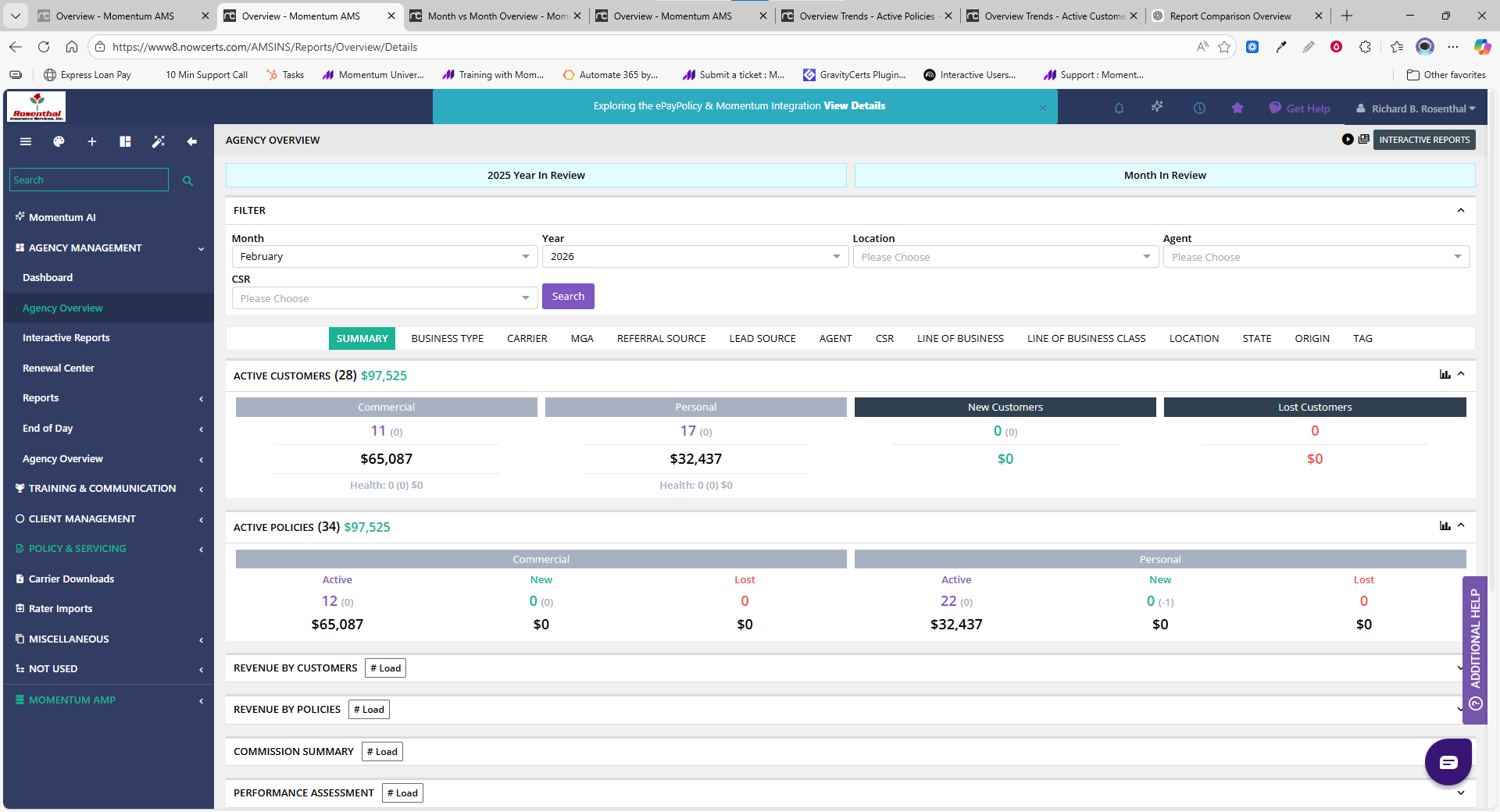
Summary
Provides a high-level snapshot of your agency right now.
Used to answer:
How many customers do we have?
How many active policies?
What does the overall book look like?
Think of this as:
Current-state visibility of the book of business.
Business Type
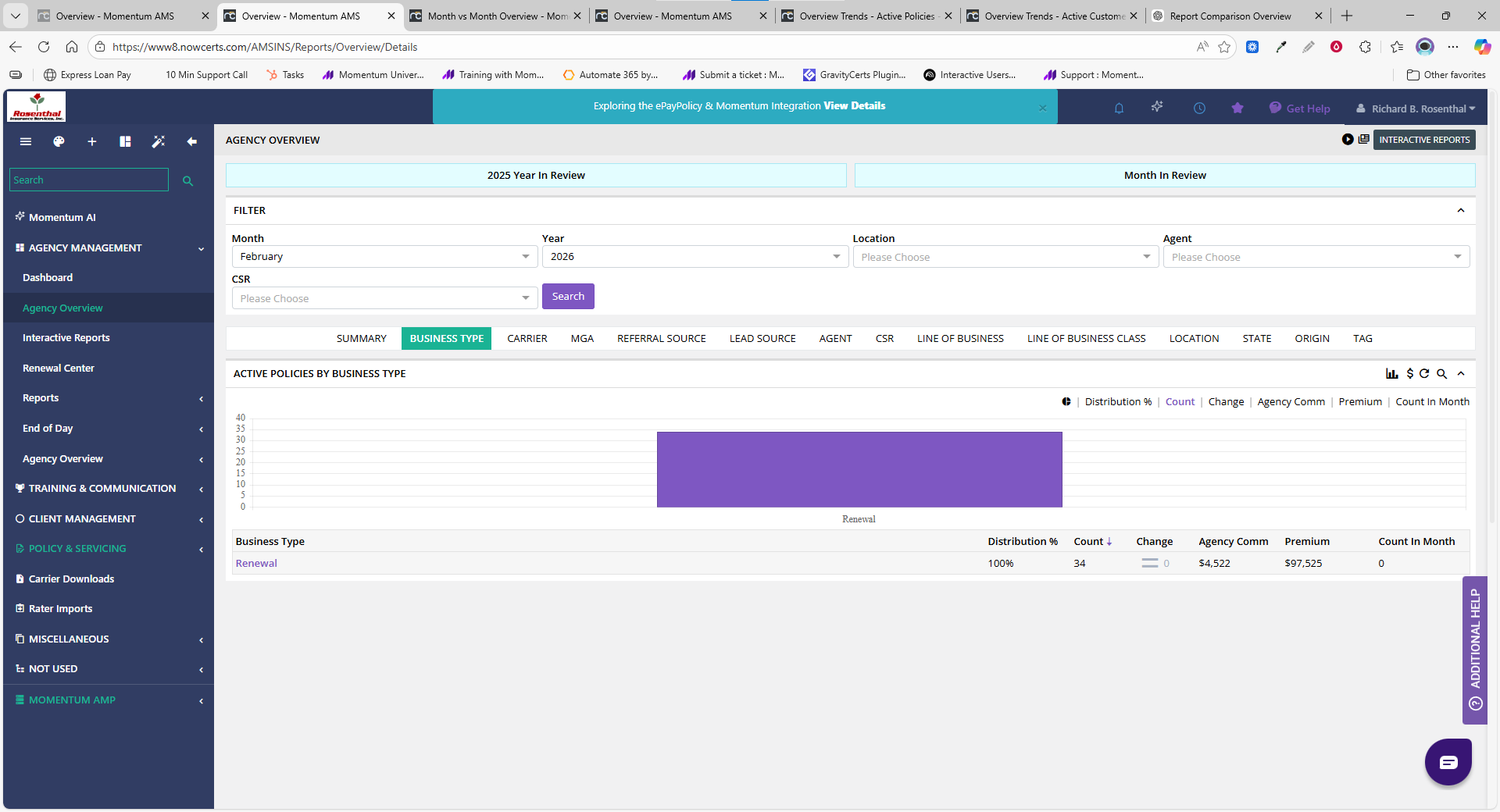
Breaks the book down by lifecycle activity, such as:
New
Renewal
Rewrite
Other lifecycle stages
Used to answer:
What type of activity is driving the book?
This is a lifecycle view, not a sales-performance report.
Carrier
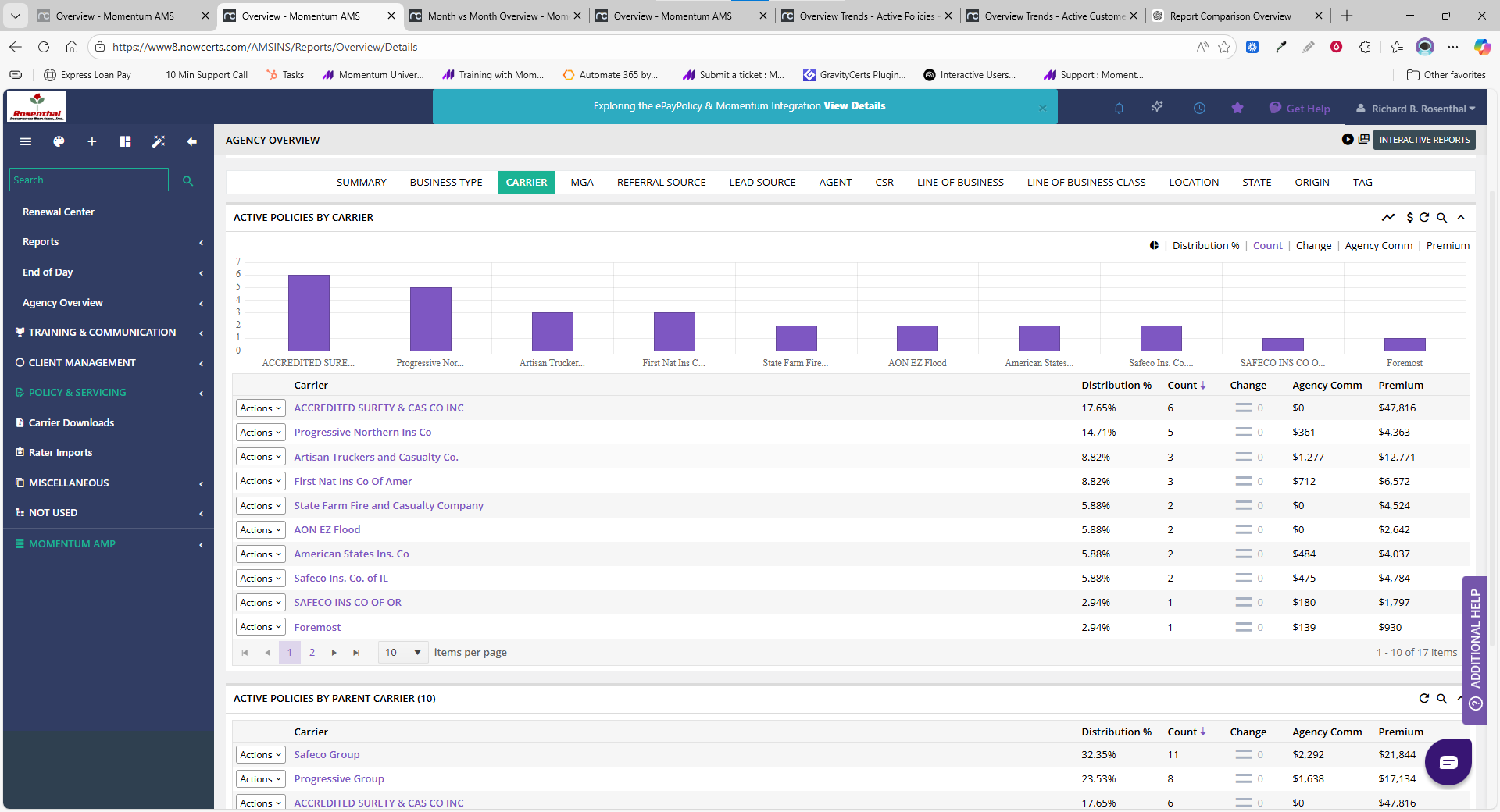
Organizes the book by insurance carrier.
Used to answer:
Where is our premium placed?
Which carriers drive our book?
Often used by leadership for:
Carrier relationship management
Production distribution visibility
MGA
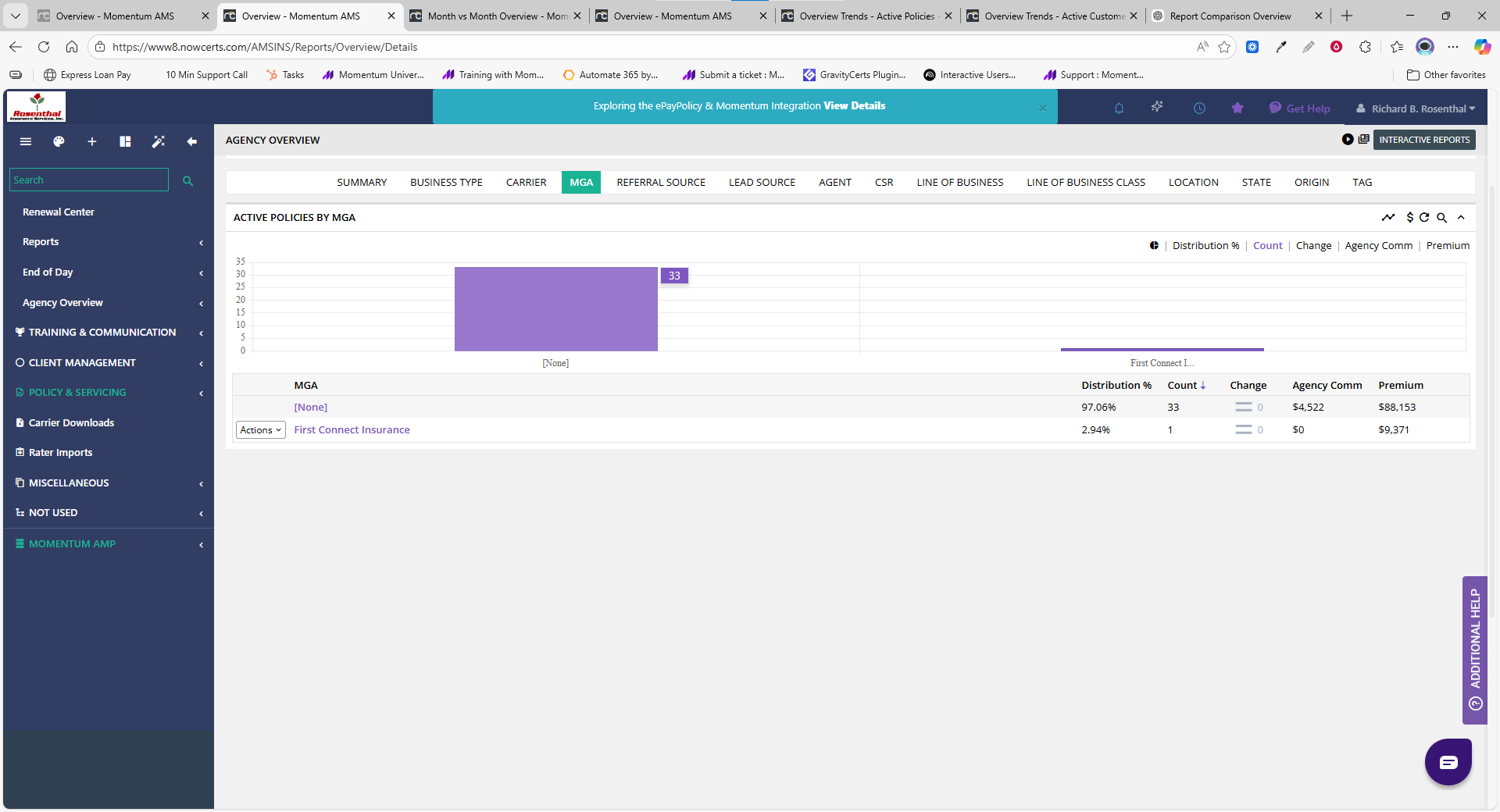
Similar to the Carrier view, but focused on MGAs.
Used to answer:
Which intermediaries are producing business?
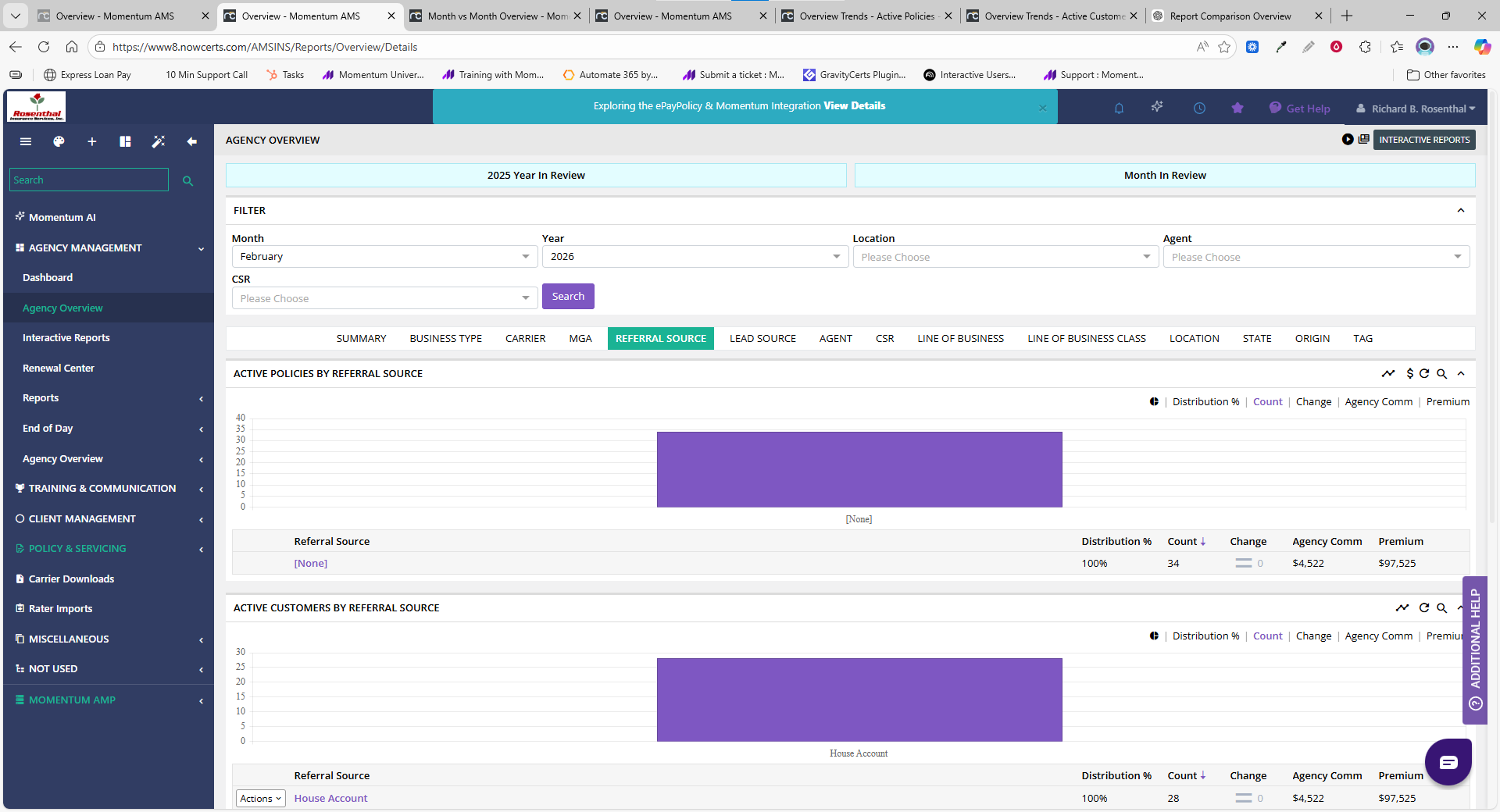
Referral Source
Shows where customers originally came from.
Important:
This reflects relationship origin, not marketing ROI and not sales pipeline activity.
Lead Source
Displays where prospects originated within your sales pipeline.
This tab will only show meaningful data if:
Your agency uses pipeline tracking
Lead sources are consistently captured
If not actively used, this section may appear blank or limited.
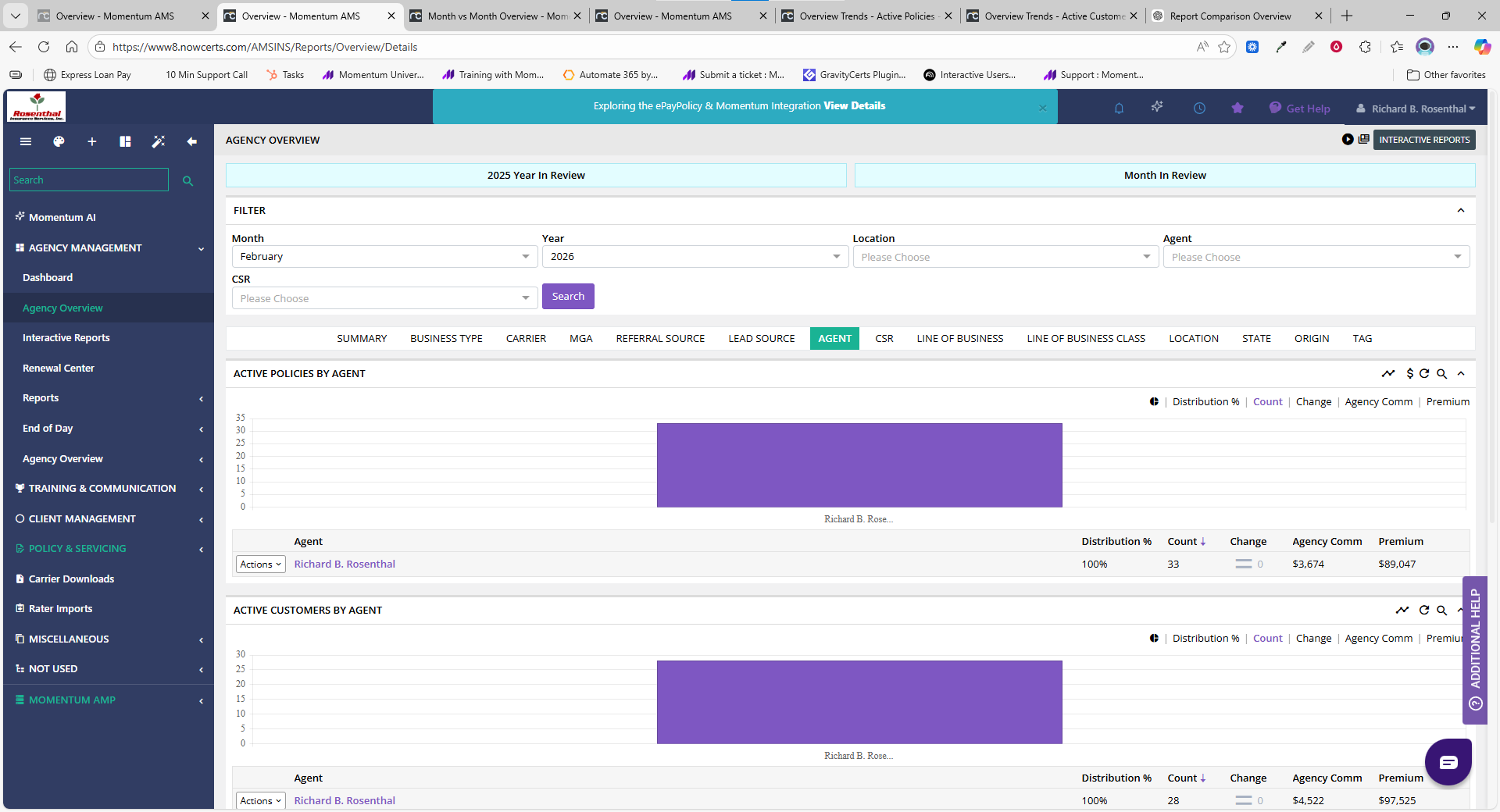
Agent
Organizes the book by producer ownership.
Used to answer:
Who owns which customers and policies?
How is the book distributed across agents?
CSR
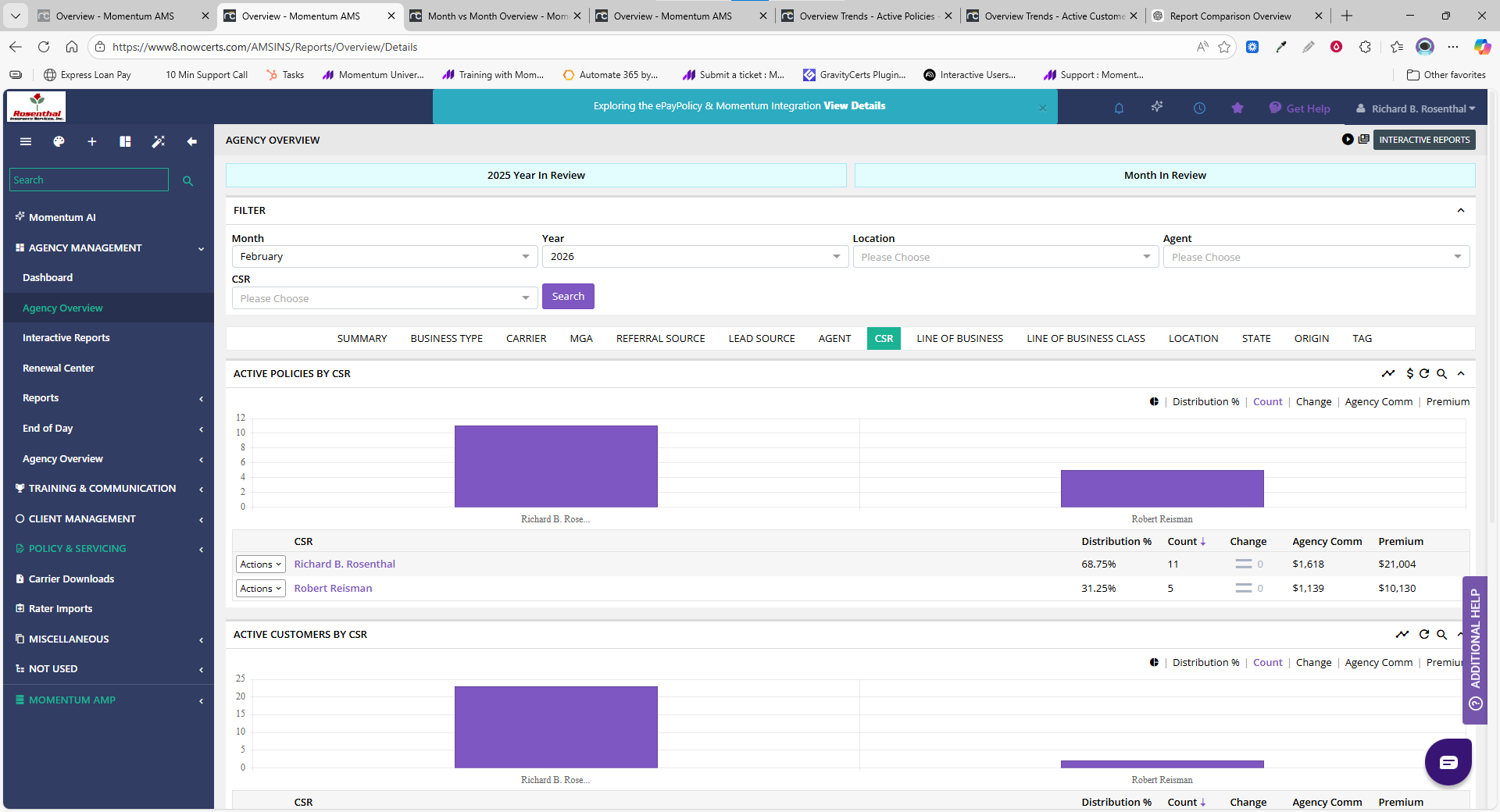
Shows operational ownership.
Used to answer:
Who services the book?
Often used for:
Workload visibility
Operational management
Line of Business
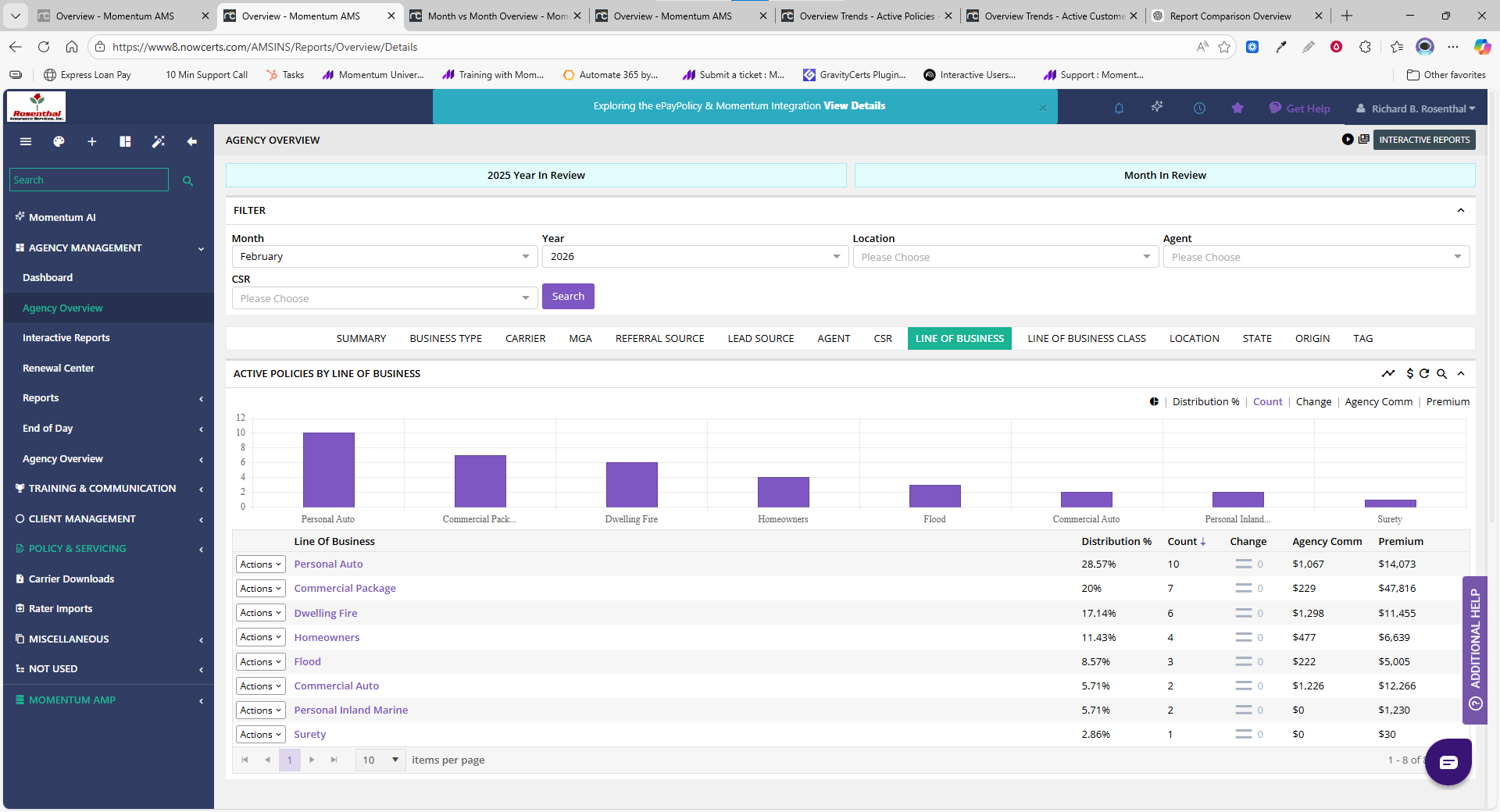
Breaks the book by product type, such as:
Personal Auto
Homeowners
Commercial Package
And others
Used to understand:
Product mix across the agency.
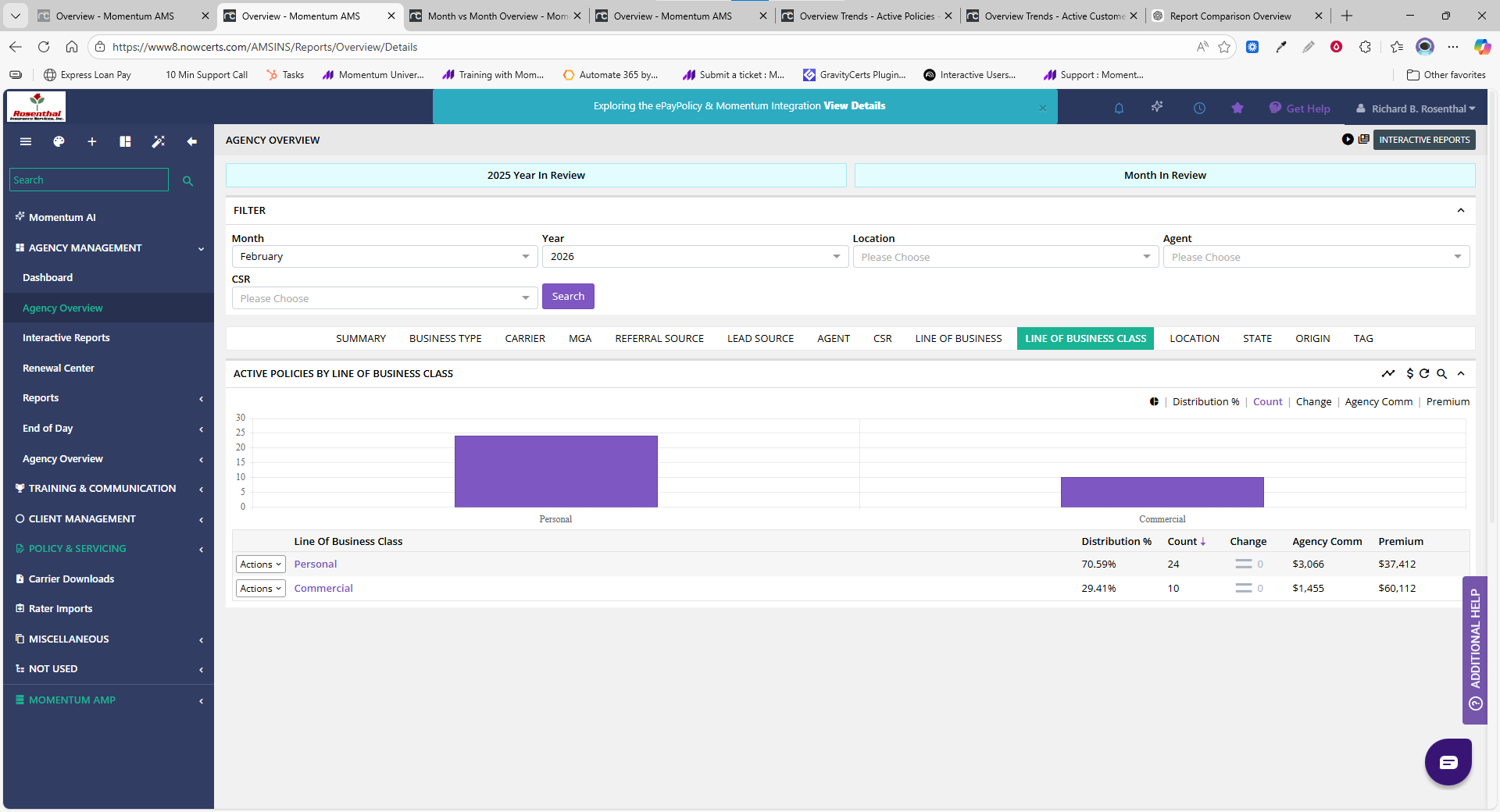
Line of Business Class
Higher-level grouping of products, such as:
Personal
Commercial
Used for:
Big-picture book composition.
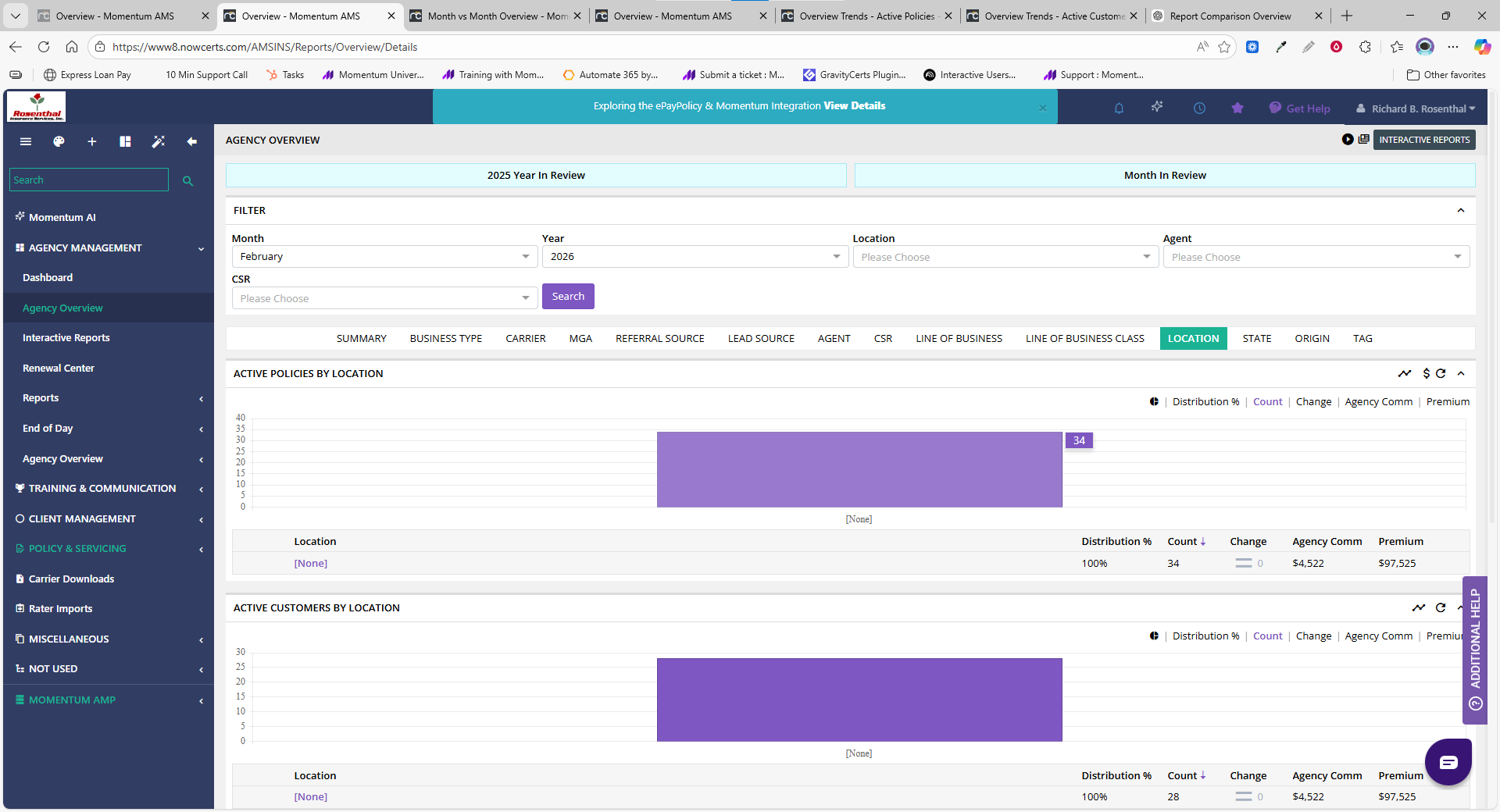
Location
Displays the book by office location.
This is relevant only if:
Your agency uses multiple offices
Location tracking is configured
If not, this tab may appear blank or show “None.”
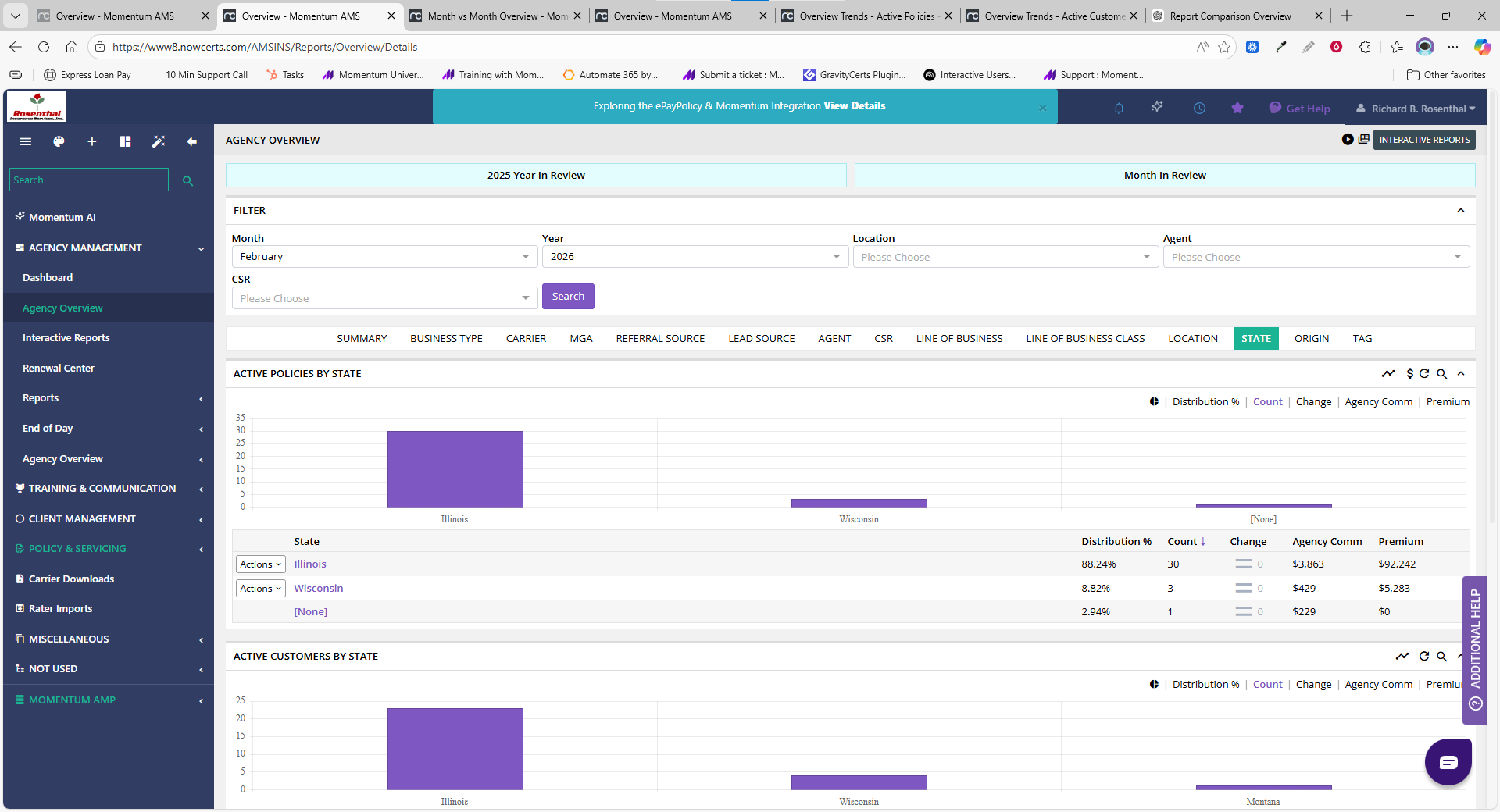
State
Shows the geographic footprint of your book.
Used for:
Expansion planning
Licensing awareness
Regional distribution visibility
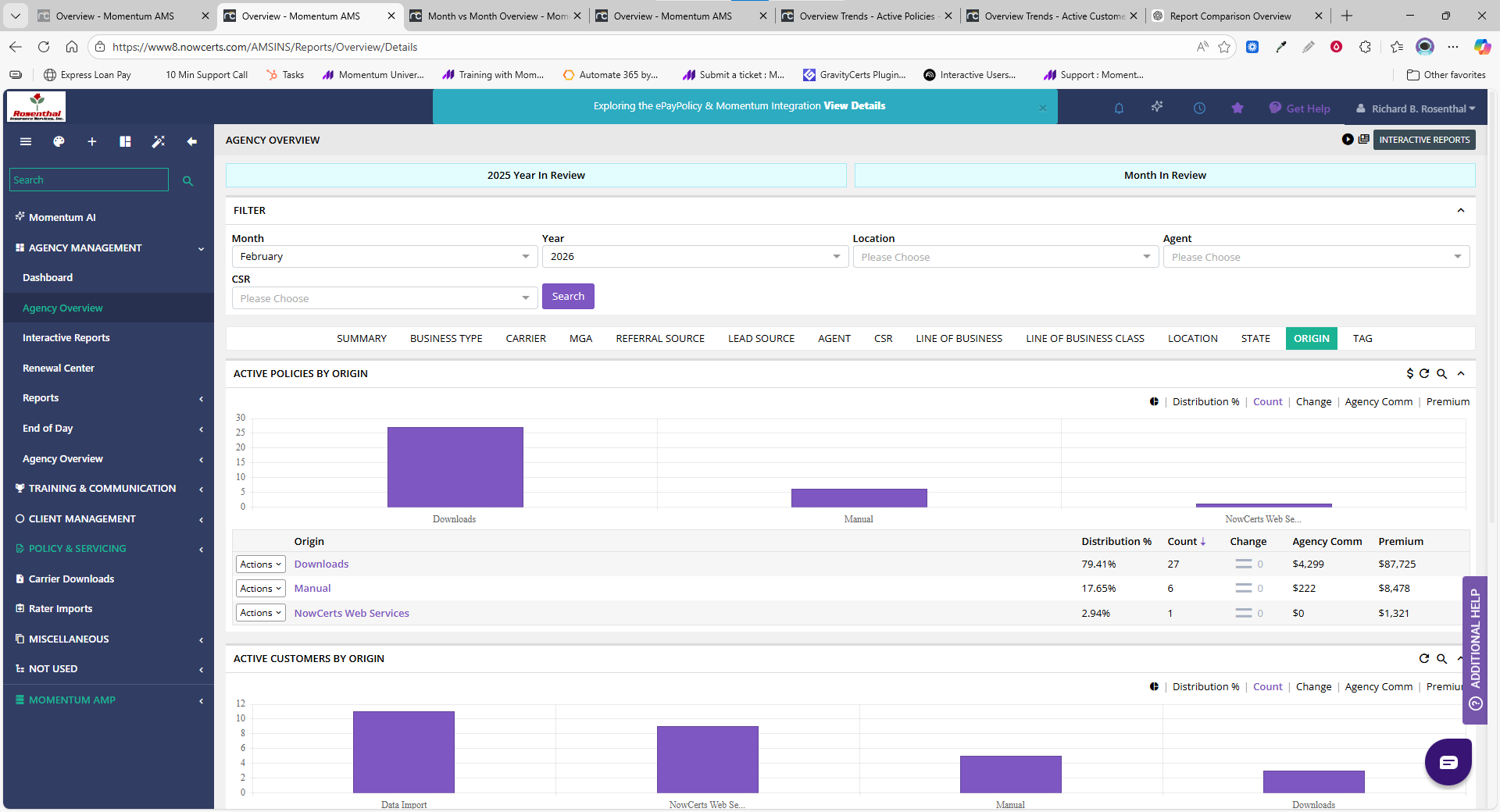
Origin
Displays how records entered the system, such as:
Carrier downloads
Manual entry
Imports
Integrations
This is an operational lens, not a production or accounting metric.
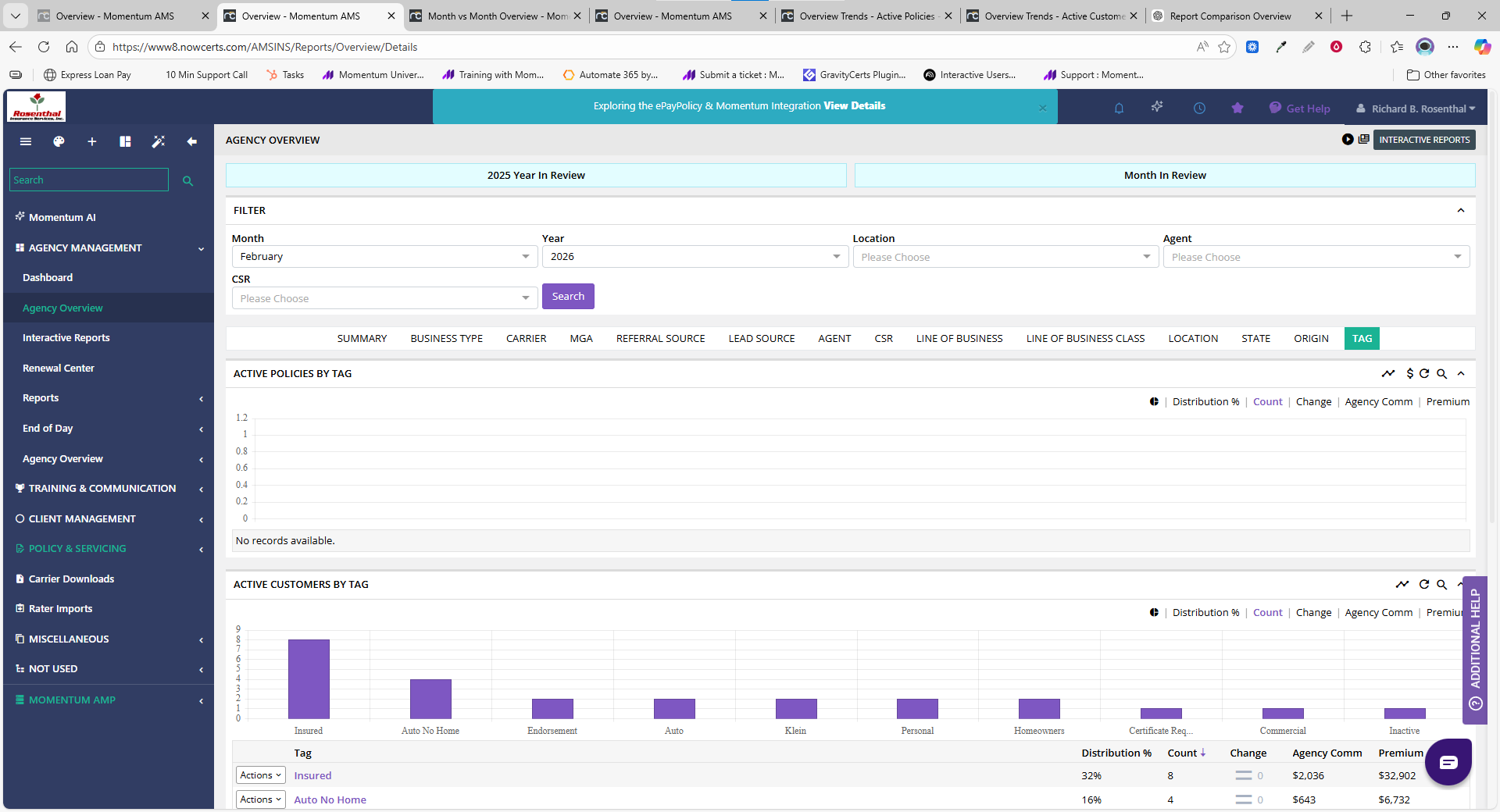
Tag
Breaks the book by agency-defined tags.
Important:
This section depends entirely on how your agency uses tags
Tags provide custom segmentation
It is not system-generated reporting
Final Takeaway
The Agency Overview does not change your data — it changes how you view it.
Each tab provides a different perspective on the same book of business, helping you better understand:
Distribution
Ownership
Product mix
Geographic footprint
Operational structure
Use the Agency Overview to analyze structure and composition — not financial accounting or historical trends.
Was this article helpful?
That’s Great!
Thank you for your feedback
Sorry! We couldn't be helpful
Thank you for your feedback
Feedback sent
We appreciate your effort and will try to fix the article